

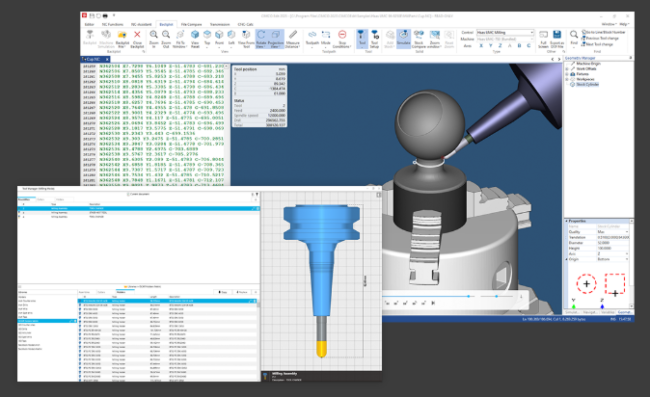
CIMCO Software has released version 2026.01.09 with updates across multiple product areas.
CIMCO Edit now includes new simulation controls with shortcuts for play/pause and jumping to the end of a simulation. The software also remembers settings such as True Vision and stock compare gradient. In addition, the update introduces several reverse post fixes related to turning, Heidenhain, Siemens, macro calls, and inverse kinematics.
CIMCO MDC-Max introduces a new option that allows switching to a sub-screen based on the active state. The update also improves HTML report generation by enabling schedule selection. Several fixes have also been implemented for Historical Dashboards and operator panel display behaviour.
CIMCO DNC-Max fixes problems in the Serial Haas monitor protocol and web client permissions for viewing server files.
CIMCO NC-Base fixes an issue with the “Leave original when moving files” option, while CIMCO Software Manager resolves a potential crash related to non-ASCII/UTF-8 characters in keyfile paths.
Changes since previous version
CIMCO Edit
- New: Remembers stock compare gradient setting.
- New: Remembers True Vision.
- New: Added simulation shortcut for going to end (Ctrl + Shift + Space).
- New: Added simulation shortcut for playing / pausing (Ctrl + Shift + R).
- Fix: An issue where default tool colors would be black instead of following color loop.
- Fix: Reverse post: wrong incremental move after angular move in turning.
- Fix: Reverse post: repeating macro program calls in some cases.
- Fix: Reverse post: inverse kinematics issue when using spindle axis.
- Fix: Heidenhain reverse posts: issue with ignoring some cycle parameters in some cases.
- Fix: Consistent milling tool orientation in milling and mill-turn environment. (S28130)
- Fix: Siemens milling reverse post: POCKET2.
CIMCO DNC-Max
- Fix: Fixed issue with the Serial Haas monitor protocol where it stopped working after a program was sent to the machine.
- Fix: Web Client: Fixed permission issue for showing server files in send / split window.
CIMCO MDC-Max
- New: Added an option to switch to a sub-screen based on the active state. (S28940)
- Change: It is now possible to select a schedule when generating an HTML report by showing the extended options. (S28593)
- Change: Dialog info box displayed on the operator panel uses the same font as the values shown on the operator panel.
- Fix: Web Client: Fixed behavior for OEE Gauge in Historical Dashboards.
- Fix: Web Client: Fixed an authentication timing issue that prevented Historical Dashboards from displaying.
CIMCO NC-Base (Add-On for CIMCO Edit)
- Fix: Fixed issue where “Leave original when moving files” didn’t apply in certain cases.
CIMCO Software Manager
- Fix: Fixed a potential crash in the Software Manager when the keyfile path contained non-ASCII/UTF-8 characters.